The goods code and description of the first goods line of each job can now be added as columns to the job template list.

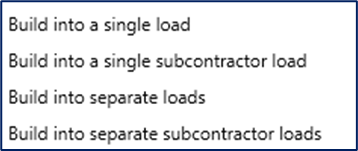
In the job planner, when loads are built using the build options on the right-click menu, the ability to print documents for the newly built loads has been introduced.
Sending the built loads to the driver’s Manifest app has always been a feature, but printing or emailing paperwork at the same time was not possible. Now a new option is available on the build form.
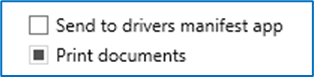
When this option is checked, after the loads are built, a print form is displayed, and you can choose the documents you want for the loads you have just created.
Manifests, delivery notes, collections notes, pallet labels, waste transfer notes, confirmation notes and subcontractor confirmation lists can all be generated from the print form.
A new data set is available in the Build queries feature that may be useful if your jobs are not split into multiple stages.
It allows data to be displayed that shows both main job details (for example, customer, delivery address and job value) and stage details (for example, driver, vehicle and load date), but only from the first stage of any job.

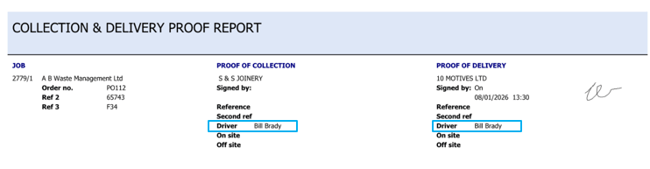
The driver’s name is now always printed on the Collection & delivery Proof Report. Previously it was only printed if on and off-site times were captured in the Manifest app.
The number of attached documents can now be added as a column on the vehicle inspection list.
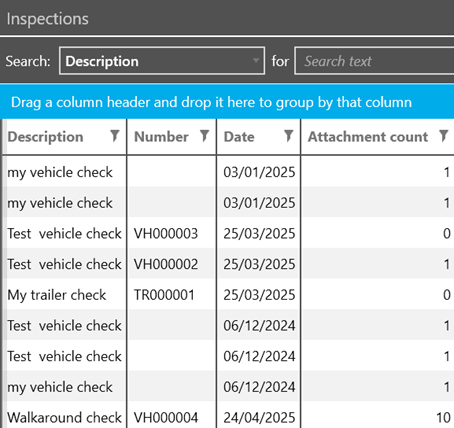
Furthermore, the image on the attached file button on vehicle inspection resolutions is now a paperclip rather than a camera to avoid confusion.